
Can you trust your iPhone’s fitness app to track your activity accurately? Yes, the fitness app on your iPhone, often leveraging data from your phone’s sensors and connected wearables, can provide a reasonably accurate overview of your daily activity, but its precision varies across different metrics. This guide dives deep into the accuracy of your iPhone’s health and fitness tracking capabilities.
The modern iPhone is a powerful tool for health and fitness, acting as a personal health hub. Beyond just counting steps, it can monitor your heart rate, track workouts, analyze sleep patterns, and even estimate calorie burn. But how reliable are these numbers? This article will explore the fitness tracker accuracy of your iPhone and the iPhone health app precision for various activities. We’ll look at how it stacks up against dedicated wearable fitness accuracy, the step counter reliability, heart rate monitor accuracy, sleep tracking accuracy, calorie burn accuracy, GPS fitness tracking, and overall health data validity. Our goal is to help you make sense of the data and understand the exercise tracking precision.
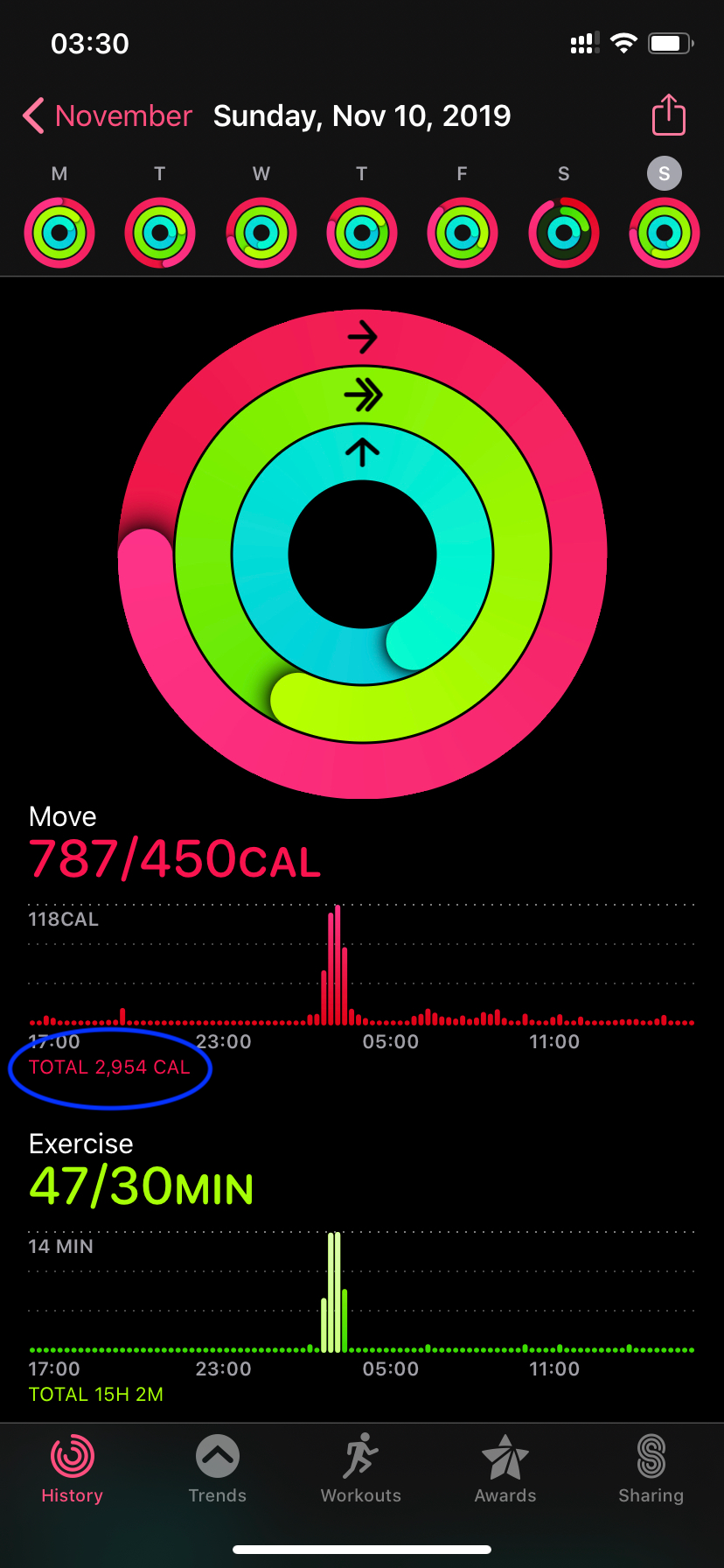
Image Source: miro.medium.com
Deciphering iPhone’s Activity Tracking Capabilities
Your iPhone utilizes a suite of sensors to gather data about your movement and health. The accelerometer and gyroscope are the primary tools for detecting motion. When you move, these sensors pick up on changes in acceleration and orientation, which are then interpreted to estimate steps taken, distance covered, and even the intensity of your movements.
Key Sensors at Play:
- Accelerometer: Detects changes in velocity, crucial for identifying steps, motion intensity, and orientation.
- Gyroscope: Measures angular velocity, adding detail to motion detection, especially for more complex movements.
- GPS: Used for tracking location and distance during outdoor activities like running or cycling.
- Barometer: Measures atmospheric pressure, which can help detect elevation changes, useful for stair climbing.
- Heart Rate Sensor (on Apple Watch): While not directly on the iPhone, the Apple Watch syncs its data, providing heart rate information to the Health app.
Step Counter Reliability: Walking the Line of Accuracy
The step counter on your iPhone is one of the most frequently used features. It’s designed to be convenient – you don’t need to wear anything extra if you keep your phone with you. But how reliable is it?
Factors Influencing Step Count Accuracy
The step counter reliability is generally good for everyday walking. However, certain factors can affect its precision:
- Phone Placement: Where you keep your phone matters. In a pocket or a tightly held bag, it’s more likely to register every step. A loose bag or leaving it on a desk will lead to missed steps.
- Type of Movement: The accelerometer is good at distinguishing between walking and other movements. However, activities that mimic walking, like dancing or certain physical therapy exercises, might be miscounted. Conversely, very subtle steps, like shuffling, might be missed.
- Background Activity: If you’re driving or on a bus, vigorous jolts might sometimes be misinterpreted as steps, though algorithms are designed to minimize this.
- Algorithm Sophistication: Apple continuously updates its algorithms to improve step counter reliability. These updates aim to filter out non-step motions and better recognize actual strides.
Comparing iPhone Steps to Wearables
When comparing your iPhone’s step count to a dedicated wearable fitness accuracy device like an Apple Watch or a third-party fitness band, you might see slight differences. Wearables, worn directly on the wrist, have a more consistent vantage point for detecting arm swing, which is often correlated with leg movement. This can lead to slightly higher step counts on some wearables. However, for most users, the difference is minor and doesn’t detract significantly from the overall picture of daily activity.
GPS Fitness Tracking: Mapping Your Journeys
For outdoor activities, the GPS fitness tracking capability of the iPhone is invaluable. It allows you to map your runs, bike rides, and hikes, providing data on distance, pace, and route.
How GPS Tracking Works
The iPhone’s GPS receiver locks onto signals from satellites to determine its location. By recording your position at regular intervals, the phone can calculate the distance traveled and your speed.
Accuracy Considerations for GPS
While generally robust, GPS fitness tracking accuracy can be impacted by:
- Signal Obstructions: Tall buildings in urban areas (the “canyon effect”), dense tree cover, or even tunnels can block or weaken GPS signals, leading to less precise tracking.
- Satellite Availability: The number of visible satellites affects accuracy. Poor satellite geometry can reduce precision.
- Start/End Point Drift: Sometimes, the start and end points of a workout can be slightly off due to signal acquisition or loss.
- App Algorithms: The fitness app uses algorithms to smooth out GPS data, correct for minor signal jumps, and provide a more consistent distance.
Enhancing GPS Accuracy
- Ensure “While Using the App” Permissions: Granting location access to your fitness app is essential.
- Start Tracking Early: Allow your phone a minute or two to acquire a strong GPS signal before beginning your activity.
- Keep Your iPhone Updated: Software updates often include improvements to GPS performance.
- Avoid Crowded Areas with Poor Signals: If possible, choose routes with better open-sky visibility.
Heart Rate Monitor Accuracy: The Beat of Your Health
While the iPhone itself doesn’t have a built-in heart rate sensor, it seamlessly integrates with the Apple Watch, which does. Therefore, when discussing heart rate monitor accuracy in the context of your iPhone, we’re primarily referring to the data pulled from a connected Apple Watch.
How the Apple Watch Measures Heart Rate
The Apple Watch uses photoplethysmography (PPG) to measure heart rate. This involves shining LEDs onto your skin and using photodiodes to detect the amount of light absorbed. Blood absorbs light, and as your heart beats, the volume of blood in your wrist changes, causing a detectable change in light absorption.
Factors Affecting Heart Rate Accuracy
- Fit of the Watch: A watch that is too loose can allow ambient light to interfere, while one that is too tight can restrict blood flow, both affecting readings.
- Skin Tone and Tattoos: Darker skin tones and tattoos can absorb more light, potentially making it harder for the sensor to get a clear reading. Apple has improved its technology to mitigate these issues.
- Movement and Temperature: Vigorous or jerky movements, especially during intense workouts, can affect the sensor’s ability to track blood flow. Cold weather can also constrict blood vessels in the wrist, impacting readings.
- Type of Exercise: High-intensity interval training (HIIT) or activities involving a lot of wrist flexion can sometimes lead to less accurate readings compared to steady-state cardio.
Wearable Fitness Accuracy for Heart Rate
When compared to medical-grade ECG devices, the Apple Watch’s optical sensor is generally very accurate for resting and moderate activity heart rates. During intense exercise, it may lag slightly behind ECG monitors or chest straps, which provide more direct electrical measurements of the heart’s activity. However, for daily tracking and general workout monitoring, the heart rate monitor accuracy from an Apple Watch is considered highly reliable.
Sleep Tracking Accuracy: Measuring Your Rest
The iPhone’s native Health app can track sleep if you set up sleep schedules and use features like “Sleep Focus.” However, the most detailed sleep tracking accuracy comes from connected wearables, most notably the Apple Watch.
How Sleep is Tracked
- iPhone Alone: The iPhone can infer sleep based on your phone usage patterns and when you set your “Bedtime” and “Wake Up” alarms. It looks for periods of inactivity and when your screen is locked.
- Apple Watch: The Apple Watch uses its accelerometer to detect movement during the night and its heart rate sensor to monitor changes in your heart rate and heart rate variability (HRV). These metrics are used to estimate sleep stages (awake, REM, core, deep sleep).
Limitations in Sleep Tracking
- iPhone Limitations: Relying solely on the iPhone for sleep tracking is less precise. It can’t differentiate between lying still in bed and actually sleeping, nor can it track sleep stages. It primarily estimates time in bed.
- Wearable Sleep Stage Accuracy: While the Apple Watch and other wearables have improved significantly, sleep tracking accuracy for specific sleep stages (REM, Deep) is still an area of ongoing research and development. Studies show varying degrees of correlation with polysomnography (the gold standard for sleep studies). Generally, they are good at detecting periods of wakefulness and total sleep time, but distinguishing between sleep stages can have a margin of error.
Maximizing Sleep Data Validity
- Wear Your Apple Watch to Bed: This is the most effective way to get comprehensive sleep data.
- Ensure Proper Fit: A comfortable, snug fit is crucial for accurate sensor readings.
- Maintain Consistent Sleep Schedule: Regular sleep patterns help the algorithms learn your habits.
Calorie Burn Accuracy: Estimating Energy Expenditure
One of the most sought-after metrics is calorie burn accuracy. Fitness apps, including the iPhone’s Health app, estimate calorie expenditure based on several factors.
What Goes into Calorie Calculations
- Basal Metabolic Rate (BMR): The calories your body burns at rest to maintain basic functions. This is often estimated based on your age, gender, weight, and height.
- Activity Data: Steps taken, distance covered, workout intensity (often inferred from heart rate and movement speed), and type of activity are used.
- Heart Rate: Higher heart rates generally correlate with higher calorie burn.
- Duration of Activity: The longer you engage in an activity, the more calories you burn.
Challenges in Calorie Tracking
- Individual Metabolism: Every person’s metabolism is unique. Factors like muscle mass, hormonal levels, and even genetics play a significant role in how many calories are burned. Apps have to rely on general estimations.
- Inferred vs. Direct Measurement: Calorie burn is always an estimation. Unlike measuring heat output directly, apps infer it from movement and physiological data.
- Accuracy of Input Data: If your height, weight, or age are not updated correctly, or if your heart rate data is less accurate, your calorie burn estimate will also be affected.
- Type of Exercise: Certain activities, like weightlifting, build muscle which increases BMR over time, but the immediate calorie burn during the exercise itself can be harder to quantify accurately than steady-state cardio.
Fitness Tracker Accuracy for Calories
Most studies suggest that calorie burn accuracy on wearables and smartphone apps has a margin of error, often ranging from 10-30%. While they provide a useful directional indicator, they should not be treated as absolute measurements. It’s best to use them as a tool for comparing relative energy expenditure between different activities or days, rather than for precise dietary planning.
Health Data Validity: Synthesizing Your Information
The iPhone Health app acts as a central repository for all your health and fitness data. It pulls information not only from the iPhone’s sensors but also from your Apple Watch and many third-party apps and devices (e.g., smart scales, blood pressure monitors).
The Role of the Health App
The iPhone Health app’s primary function is to consolidate and organize your health data validity. It allows you to view trends, share data with healthcare providers, and get a holistic view of your well-being.
Factors Affecting Overall Health Data Validity
- Source of Data: The accuracy of the data in the Health app is only as good as the device or app that collected it. If a third-party app or a connected device is inaccurate, that inaccuracy will be reflected in your Health app.
- User Input: Manually entered data (like water intake or specific symptoms) relies on user honesty and consistency.
- Data Interpretation: While the app presents raw data and some derived metrics, interpreting what this data means for your health requires a broader context, often best discussed with a healthcare professional.
- Privacy and Security: Apple emphasizes the privacy of health data, storing it securely on your device and iCloud (encrypted). This helps maintain the integrity of your personal health information.
Ensuring Health Data Validity
- Use Reputable Sources: Connect only trusted apps and devices to your Health app.
- Regularly Update Personal Information: Ensure your height, weight, and other demographic details are current.
- Sync Devices Regularly: Make sure your wearables and other connected health devices are syncing their data promptly.
- Cross-Reference When Necessary: For critical health metrics, consider occasional cross-referencing with other reliable methods or devices.
Exercise Tracking Precision: Going Beyond the Basics
Beyond simple step counting, the iPhone and Apple Watch offer more sophisticated exercise tracking precision for various workout types.
Workout Modes
The Workout app on the iPhone and Apple Watch offers dedicated modes for activities like running, cycling, swimming, yoga, strength training, and more. These modes aim to provide more relevant metrics for each activity.
How Precision Varies by Activity
- Running and Cycling: These activities benefit greatly from GPS fitness tracking, providing accurate distance, pace, and route mapping. Heart rate monitoring further refines calorie burn estimates and helps you train in specific heart rate zones.
- Swimming: The Apple Watch is waterproof and can track laps, strokes, and SWOLF scores. Its accuracy in detecting strokes and turns is generally good, but the exact distance in pools can sometimes be affected by slightly inaccurate pool length settings or variations in wall push-offs.
- Strength Training: This is where exercise tracking precision can be less refined. While the Apple Watch can detect movement patterns, it may not accurately count repetitions for all exercises or distinguish between different weights used. It’s better at tracking the duration and heart rate during a strength session.
- Yoga and Pilates: These activities rely heavily on movement detection and heart rate. The Apple Watch can provide a good estimate of duration and calorie burn based on heart rate and general motion, but it won’t track specific poses or flow sequences with high precision.
Wearable Fitness Accuracy in Workouts
For most cardiovascular activities with clear directional movement, wearable fitness accuracy (including the Apple Watch) is quite high. For activities with more complex or less defined movements, the exercise tracking precision is more of an estimation, providing a general idea of effort rather than exact measurements.
Frequently Asked Questions (FAQ)
Q1: Is my iPhone’s step counter accurate enough for daily use?
A1: Yes, for general daily use, your iPhone’s step counter is usually accurate enough to give you a good idea of your activity levels. It’s most accurate when the phone is kept in a pocket or a secure, snug place.
Q2: Can I rely on the iPhone for accurate calorie burn tracking?
A2: The calorie burn data is an estimation. While it’s useful for tracking trends and comparing activities, it’s not perfectly precise due to individual metabolic differences. Aim for consistency rather than absolute accuracy.
Q3: How accurate is the Apple Watch’s heart rate monitor compared to a chest strap?
A3: For resting and moderate exercise, the Apple Watch heart rate monitor is very accurate. During intense workouts, it may lag slightly behind a chest strap, which provides more direct electrical measurements. However, for most users, the difference is minor.
Q4: Does the iPhone accurately track sleep without an Apple Watch?
A4: The iPhone can estimate time spent in bed based on movement and phone usage, but it does not provide detailed sleep stage tracking (like REM or deep sleep). For comprehensive sleep tracking accuracy, an Apple Watch or other dedicated sleep tracker is recommended.
Q5: How can I improve the GPS tracking accuracy on my iPhone for runs?
A5: Ensure your iPhone has a clear view of the sky, start your workout after the GPS signal is strong, and keep your iPhone’s software updated. Granting the fitness app “Always” location access can also help.
Q6: What does “health data validity” mean in relation to my iPhone’s fitness app?
A6: Health data validity refers to how reliable and trustworthy the health information collected by your iPhone and connected devices is. It depends on the accuracy of the sensors, the algorithms used, and the quality of the data input.
Q7: Is the exercise tracking precision the same for all types of workouts on iPhone?
A7: No, exercise tracking precision varies. Activities with clear directional movement and consistent rhythm, like running or cycling, are tracked more precisely (especially with GPS) than activities with more variable or subtle movements, such as yoga or strength training.
Final Thoughts on Your iPhone as a Fitness Companion
Your iPhone is a remarkably capable device for tracking your fitness and health. Its step counter reliability is good for general activity, and its GPS fitness tracking is excellent for outdoor pursuits. When paired with an Apple Watch, you gain even more detailed insights into your heart rate monitor accuracy, sleep tracking accuracy, and overall exercise tracking precision.
While no consumer device is perfectly accurate, the health data validity provided by your iPhone and its ecosystem is generally robust and sufficient for most users looking to monitor their activity, set goals, and live a healthier lifestyle. Remember that these tools are guides, and listening to your body remains the most crucial aspect of your fitness journey. By comprehending the strengths and limitations of your iPhone’s tracking capabilities, you can use it more effectively as part of your personal health and wellness strategy.